What are the commands in Alertbuzz and what do they do?
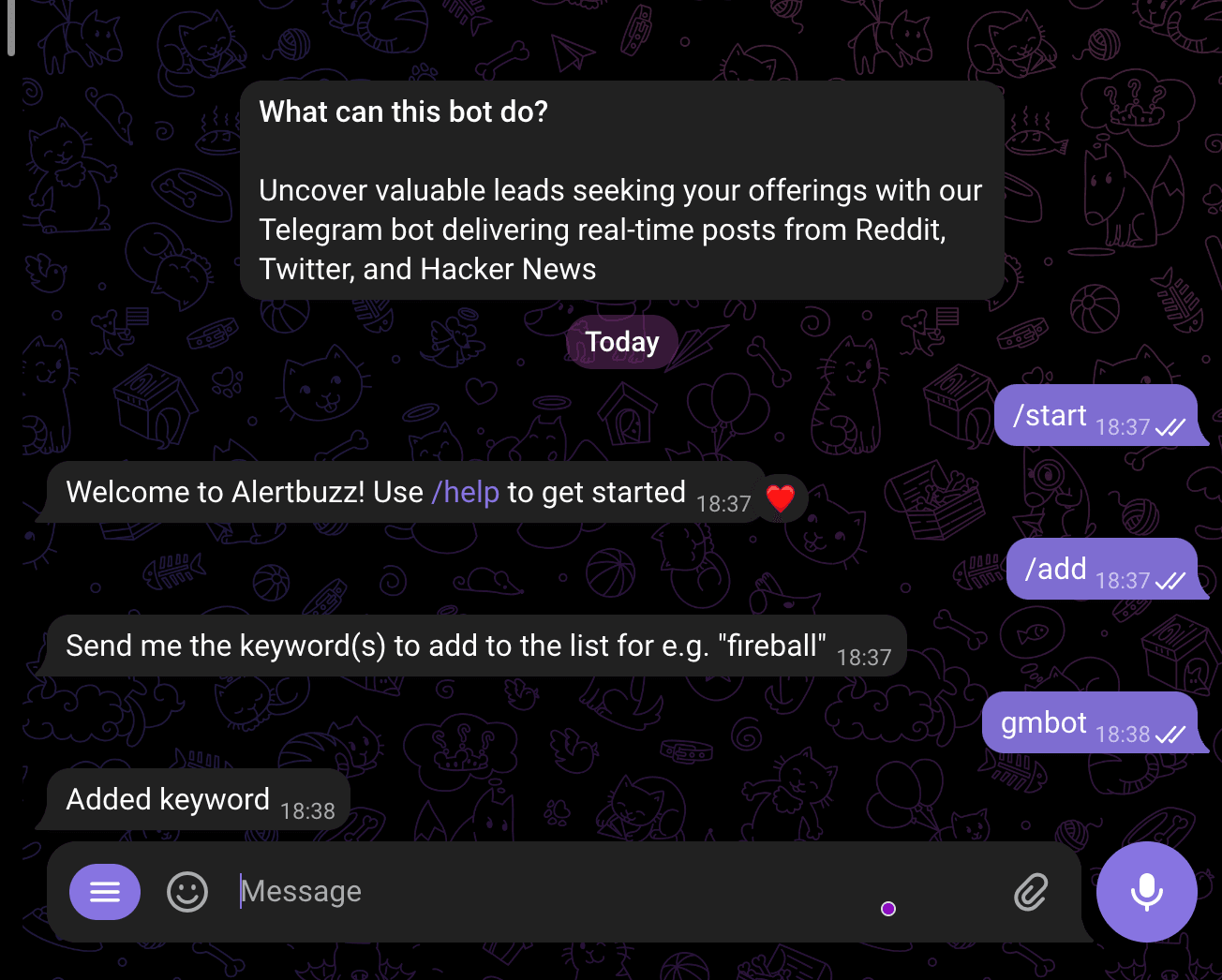
/add
Description: Use this command to add a new alert for monitoring specific content or events.
When you use this command, you will be asked to provide the keyword you want to track.
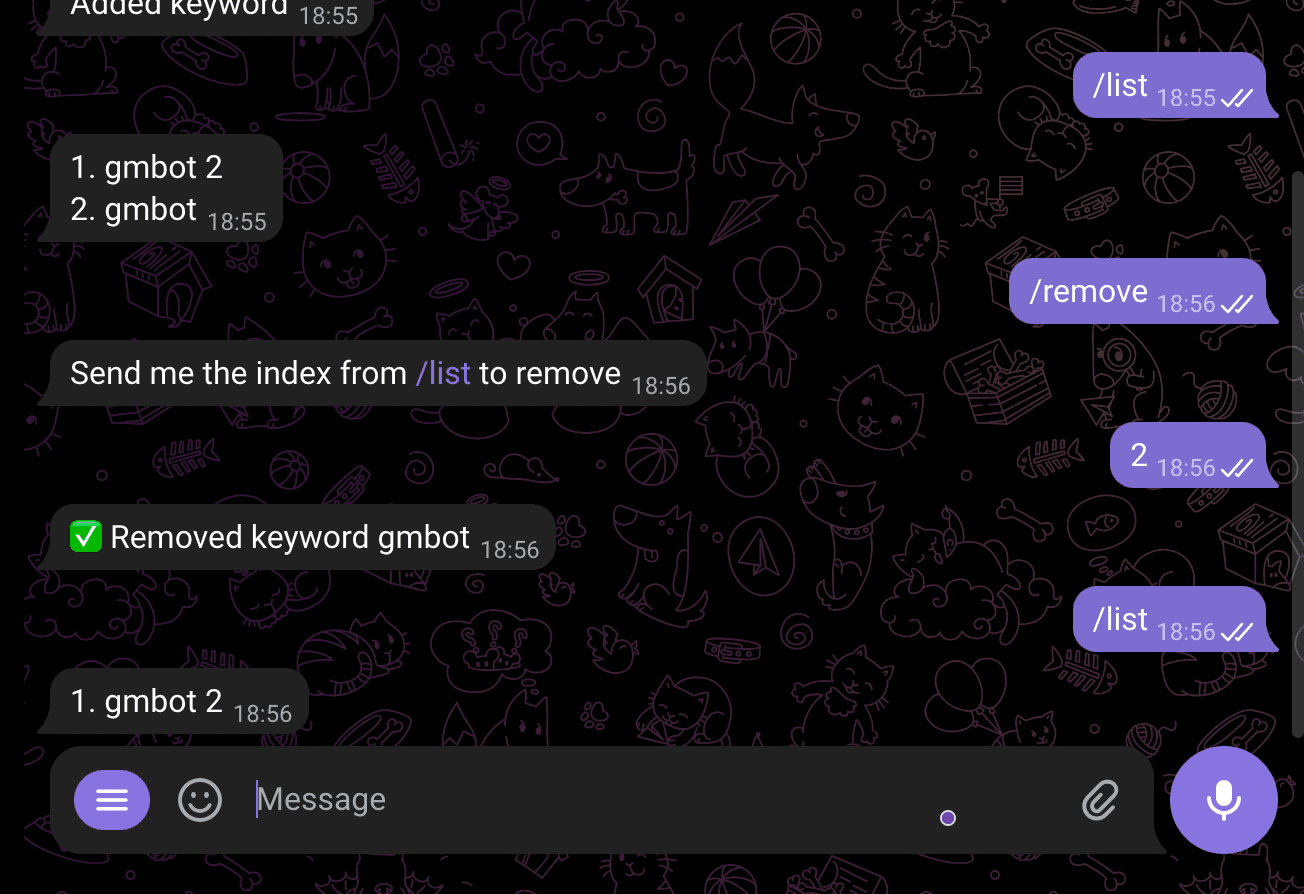
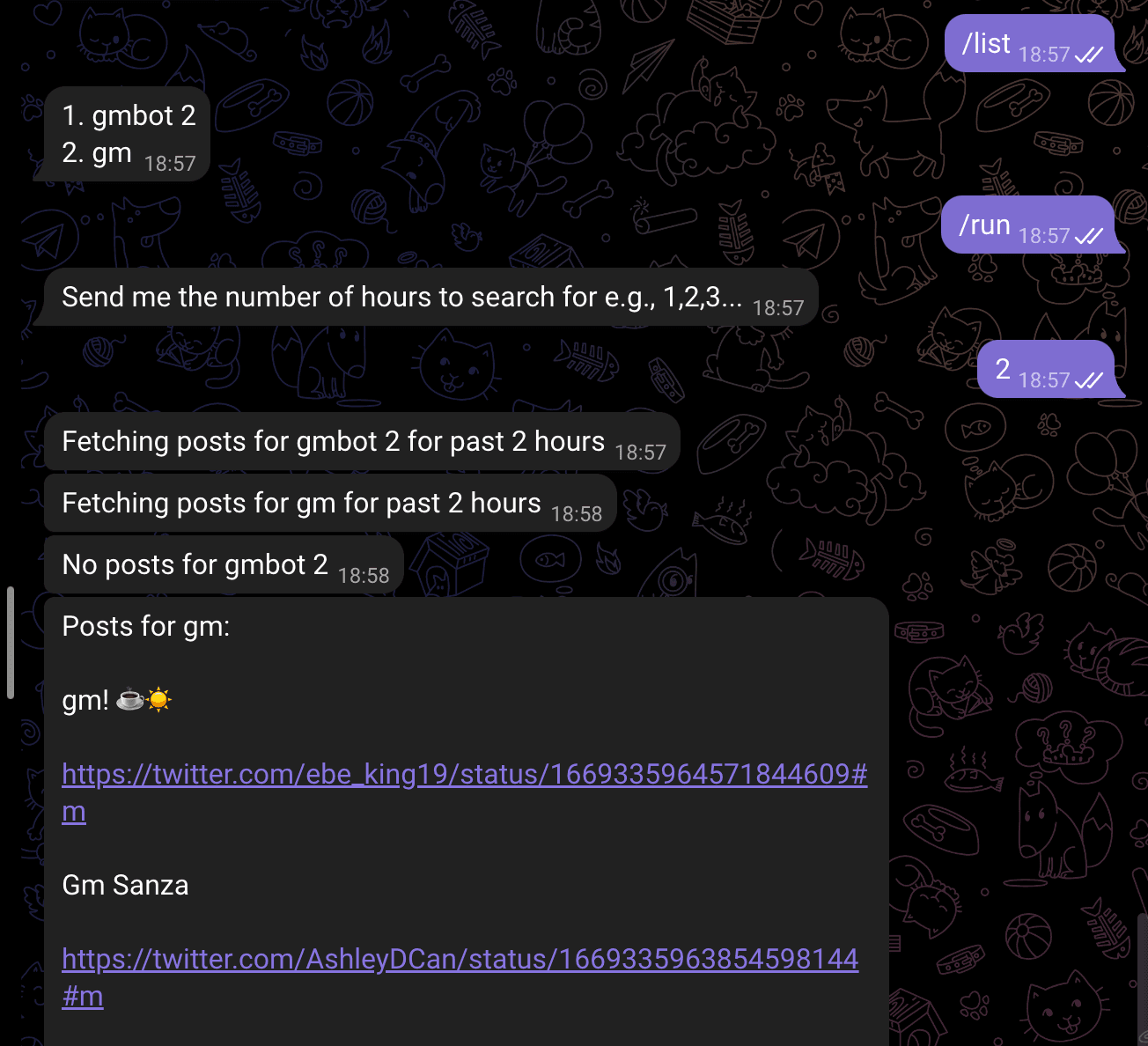
/list
Description: Use this command to view a list of all your alerts. It provides an overview of the alerts you have set up for monitoring.

/remove
Description: Use this command to remove a specific alert from your monitoring list.
Parameters: You need to provide the number of the alert you wish to remove.
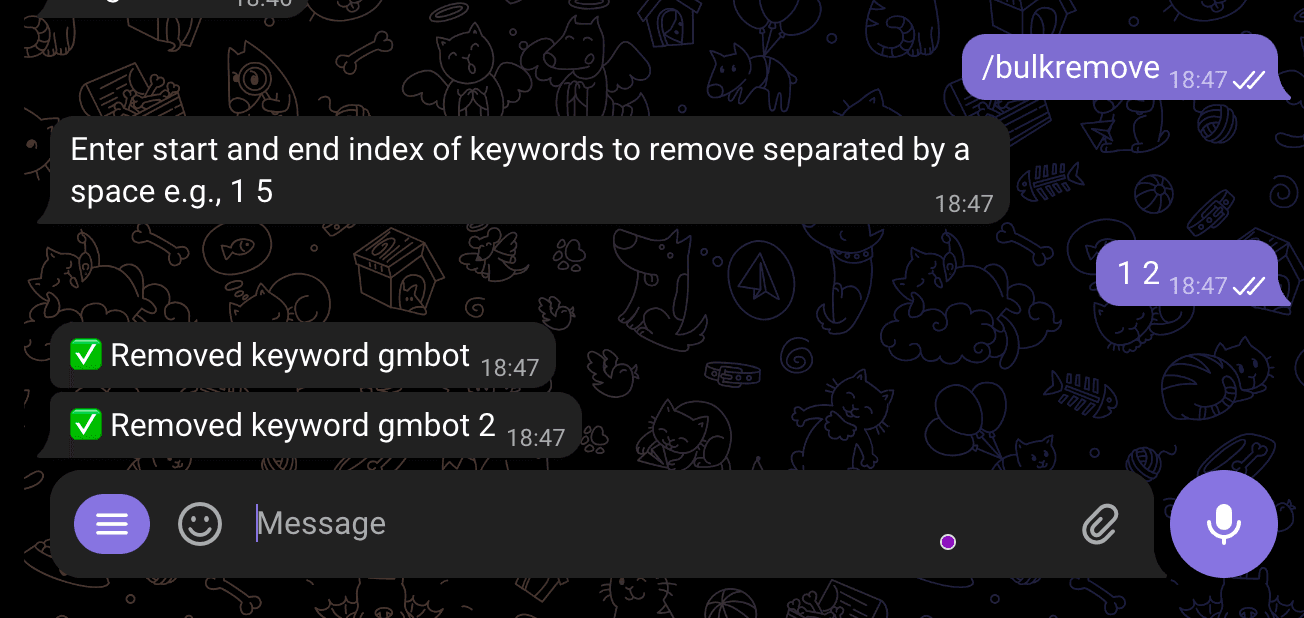
/bulkremove
Description: Use this command to remove multiple alerts at once. Please provide the start and end numbers of the alerts you wish to remove.
Parameters: You need to provide the start and end numbers of the alerts you wish to remove.
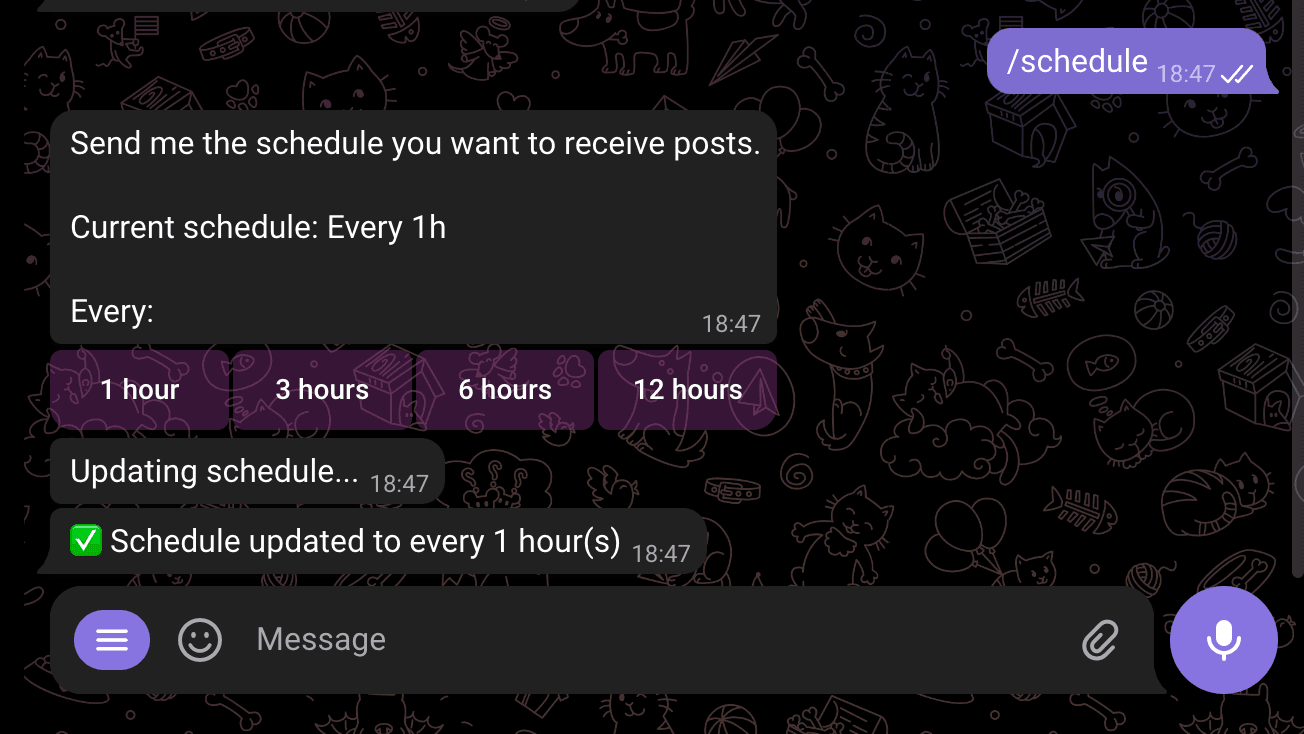
/schedule
Description: Use this command to set the schedule for fetching alerts. By default, alerts are fetched every 3 hours. You can customize this interval according to your preferences.
/run
Description: Use this command to run all your alerts and receive updates.
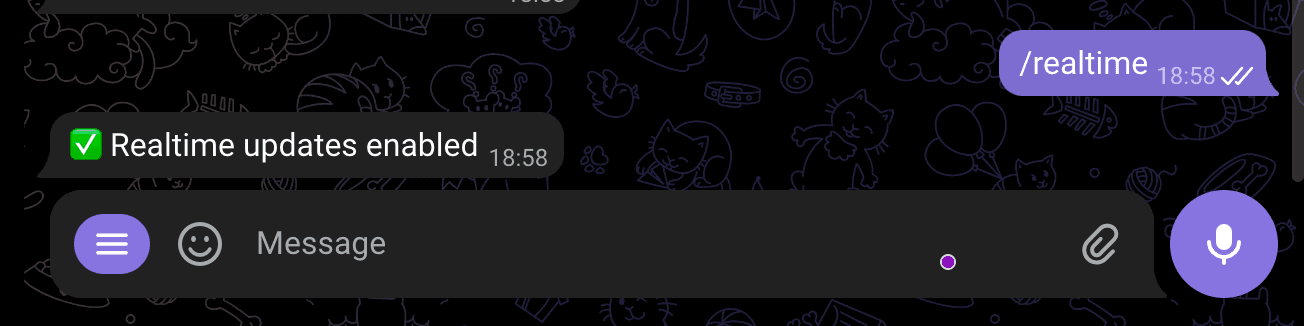
/realtime
Description: Use this command to enable or disable real-time updates. By default, real-time updates are disabled.
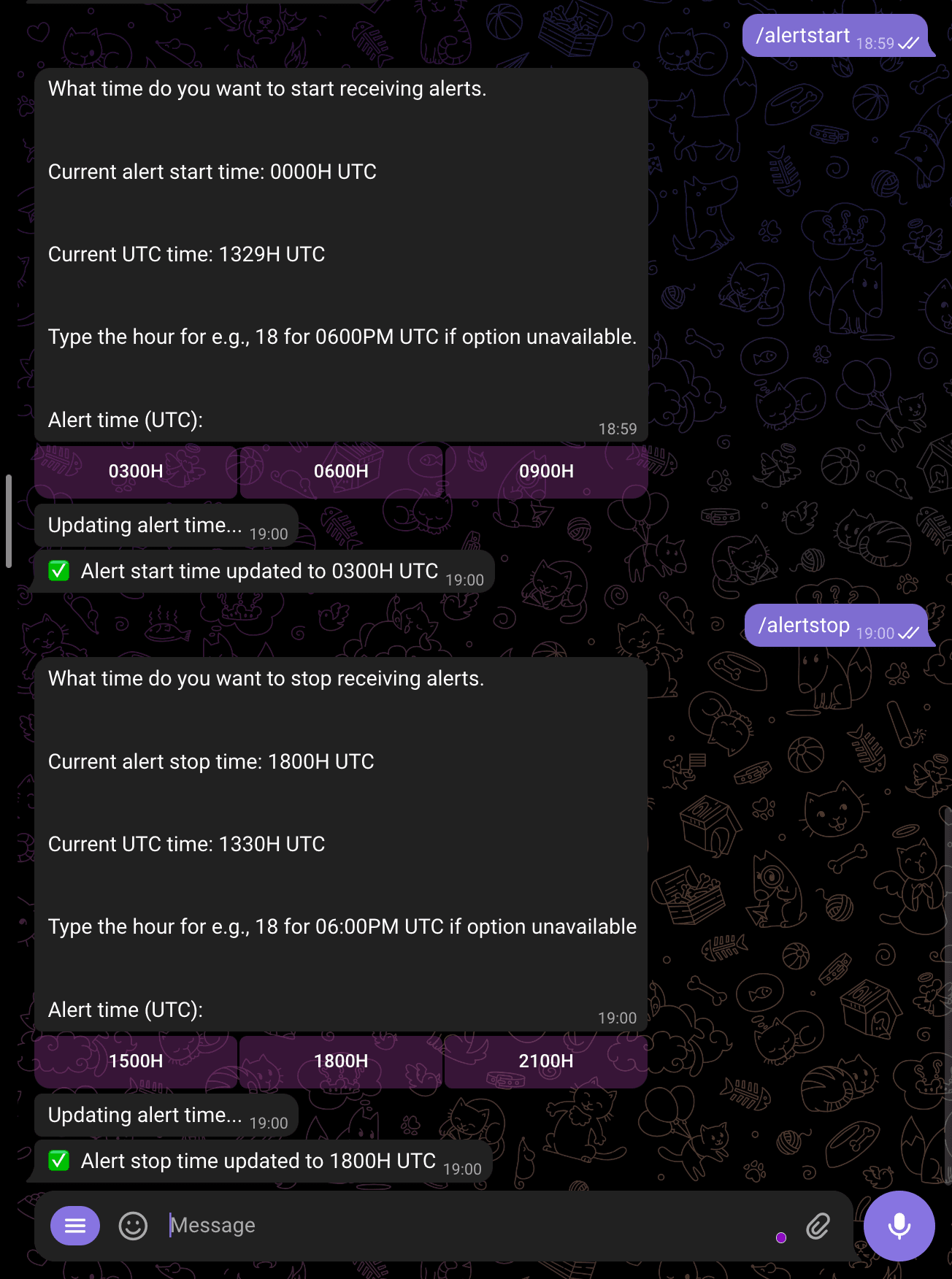
/alertstart
Description: Use this command to set the start time for receiving alerts. The default start time is 00:00 (UTC).
/alertstop
Description: Use this command to set the stop time for receiving alerts. The default stop time is 21:00 (UTC).
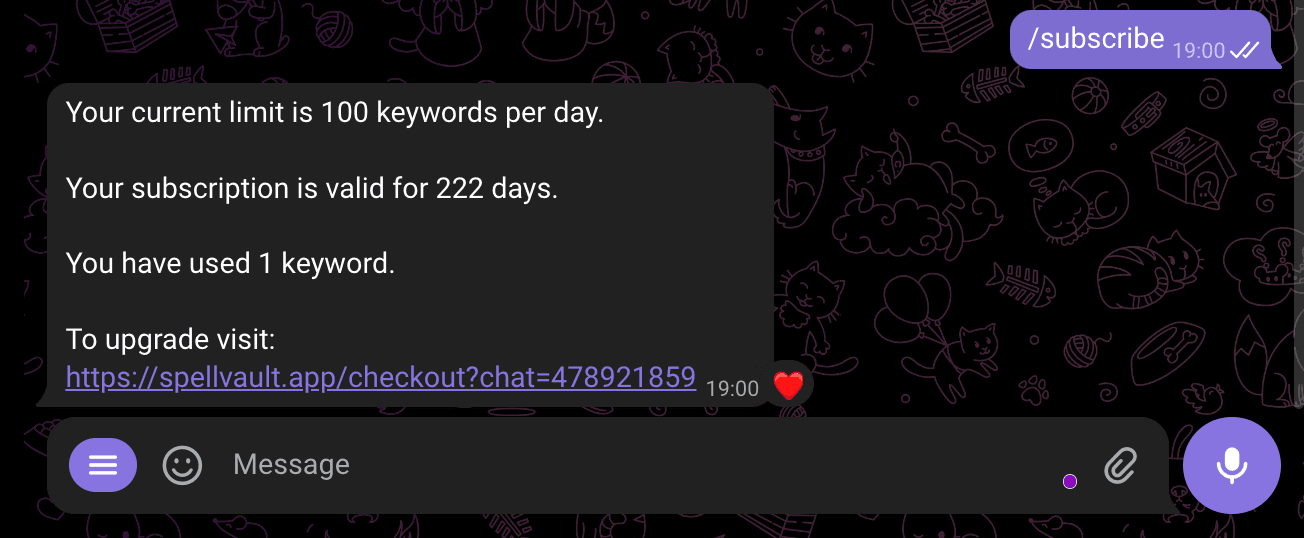
/subscribe
Description: Use this command to subscribe and upgrade the limits for your account.
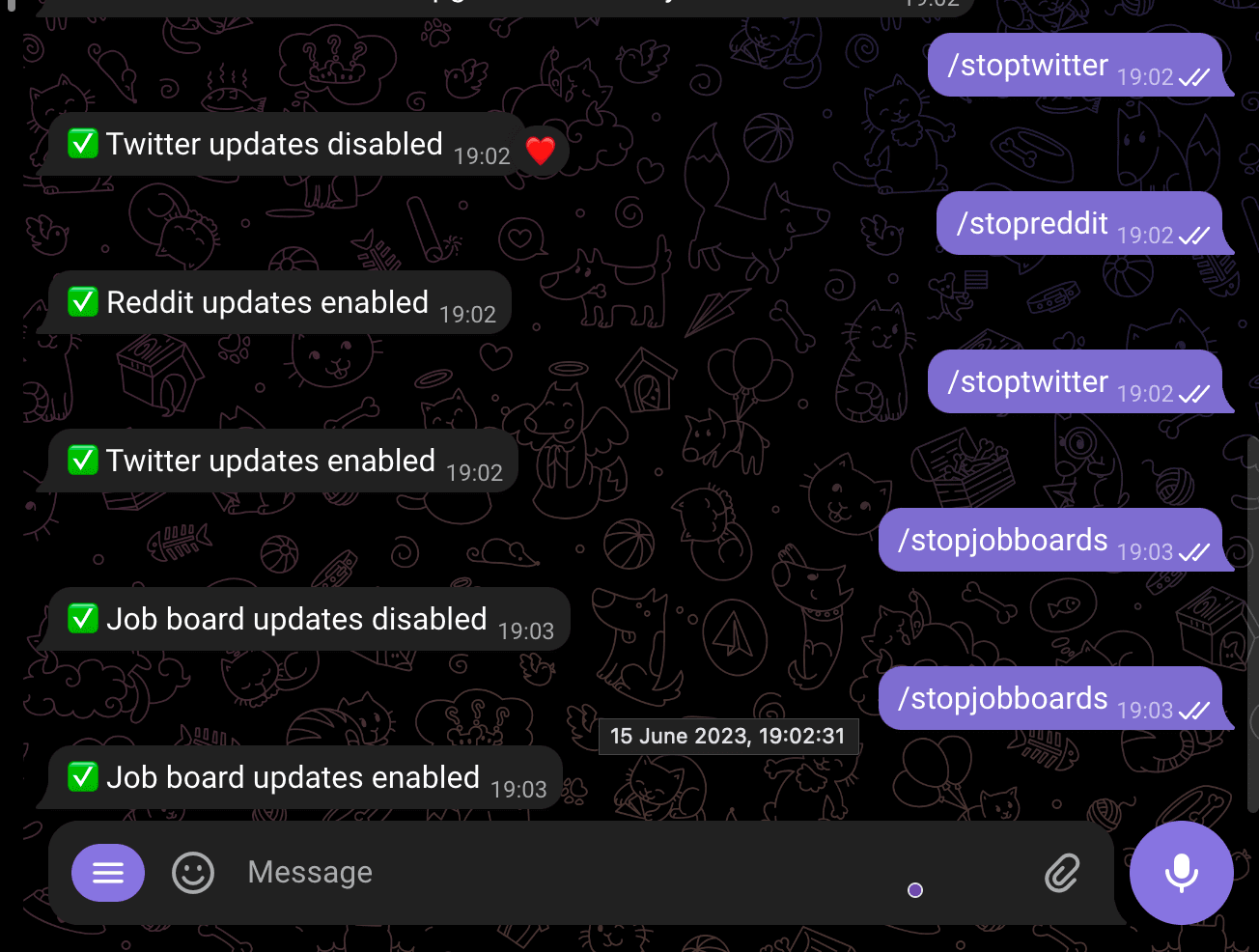
/stoptwitter
Description: Use this command to stop the Twitter feed.
/stopreddit
Description: Use this command to stop the Reddit feed.
/stopjobboards
Description: Use this command to stop the job board feed.
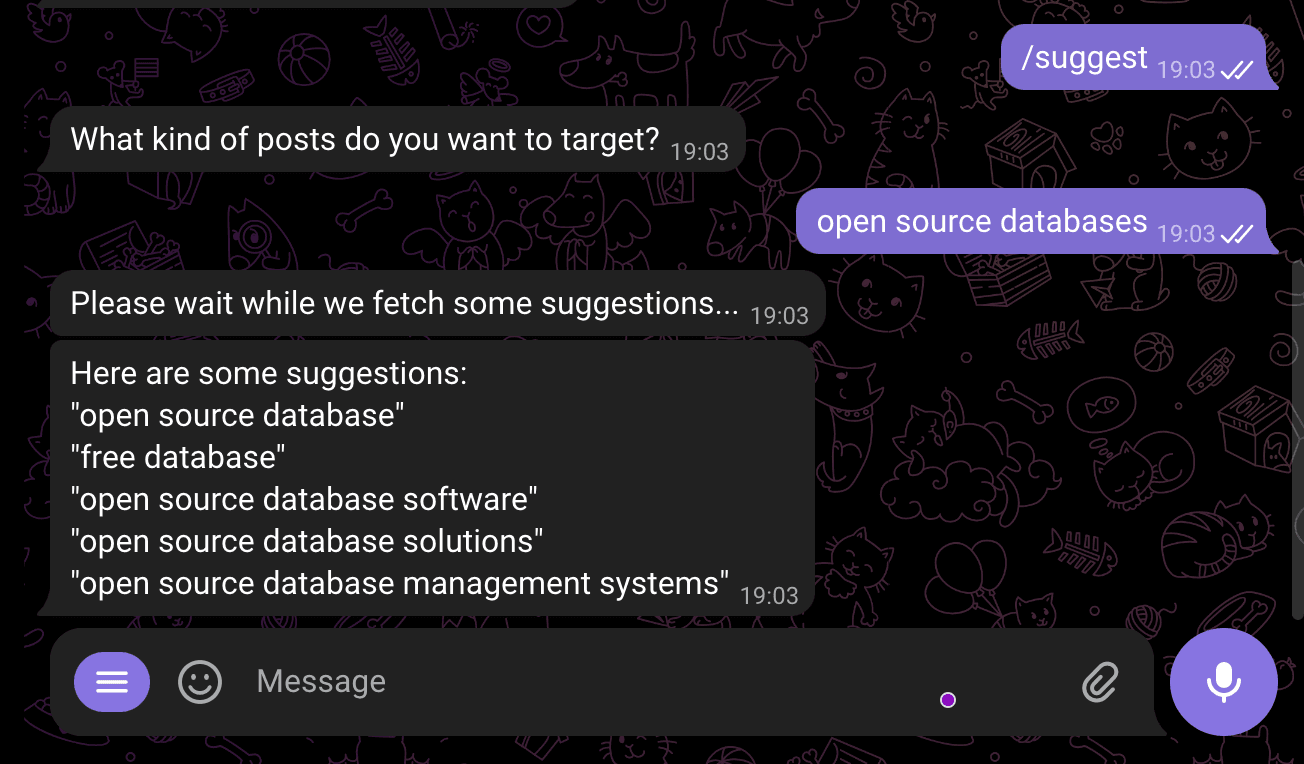
/suggest
Description: Use this command to get suggestions for keywords that can help target specific posts.